
My Personal Assistant
The secure, all-in-one assistant. No Login. No Tracking. Offline & PIN Protected.
🚀 Welcome ..!
We keep it simple: No sign-ups. No passwords. No cloud servers watching you.
Your data stays 100% off the cloud and under your control. Simply download, enter your name, you are ready to start organizing and set your secure PIN once you login
📊 Dashboard
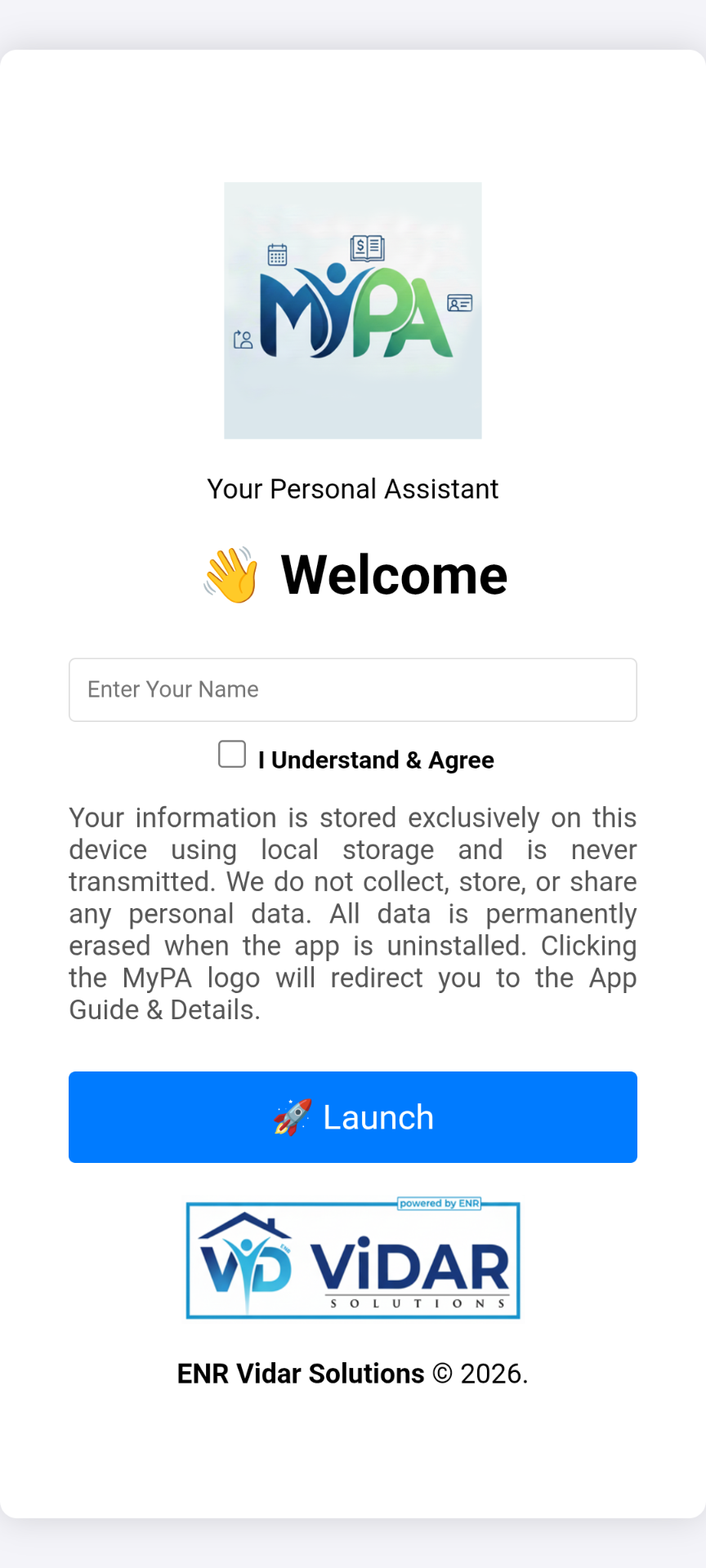
Get an instant view of your life. Track financial balances, spending analysis, and upcoming events in one unified dashboard.
- Total Net Balance: Instantly view your wealth calculated from Income, Expenses, and Investments.
- Monthly Spending Analysis: Visual breakdown of your expenses to see exactly where your money goes.
- Today's Schedule: Your daily events are automatically highlighted for quick reference.
- Financial Reports: One-tap access to detailed Annual and Cashflow reports.
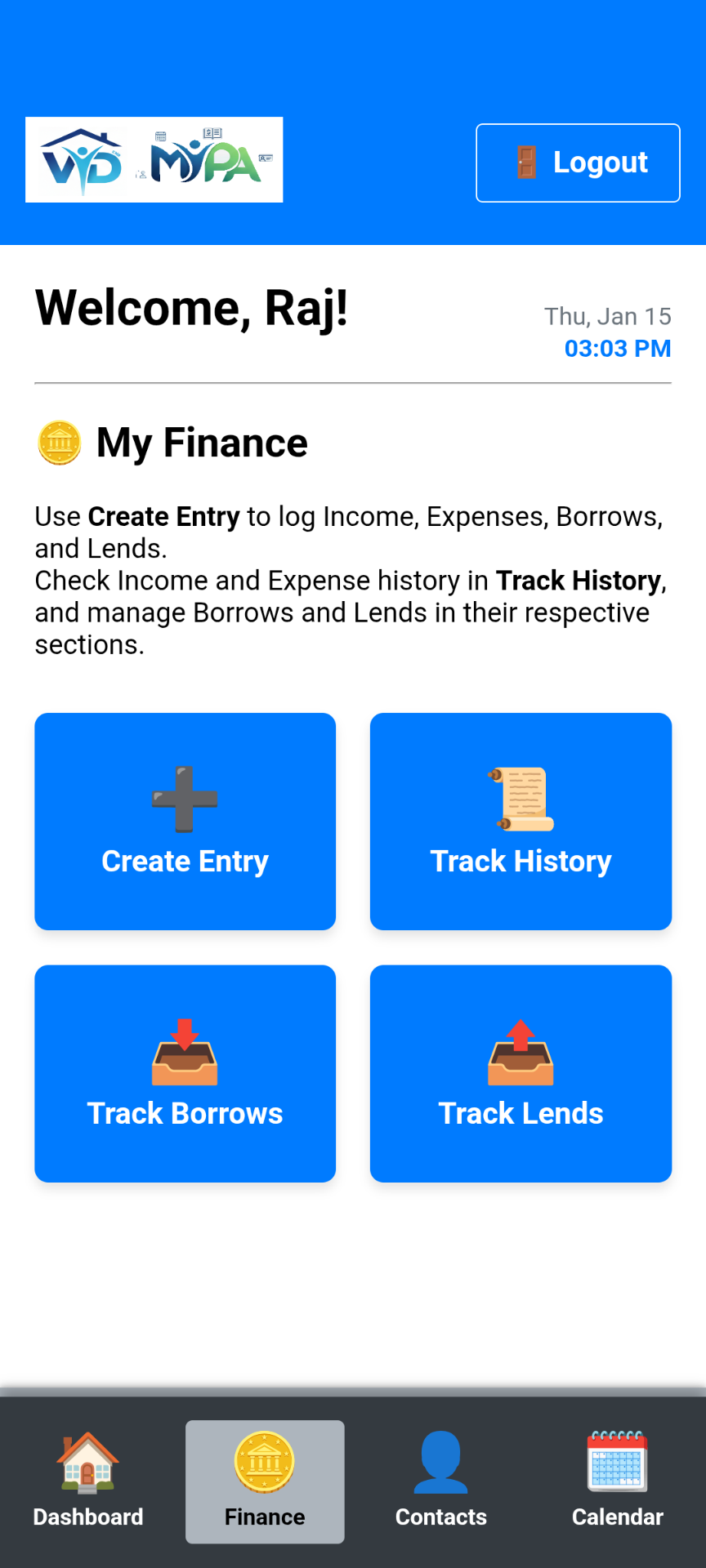
🔢 Finance
Manage your wealth effortlessly with simple entry and clear tracking.
- Unified Entry: Log income, expenses, investments, lends, and borrows from a single, easy-to-use form.
- Track Everything: Keep tabs on your daily spending, savings/investments, and debt.
- Dedicated Lends & Borrows: Track money you’ve given or received. Mark them as "Settled" when paid back.
- Detailed Reports: Access Annual Reports and Cashflow statements to understand your financial health.
- Clean Records: Completed entries stay visible in history for future reference without cluttering active lists.
🪪 Contacts
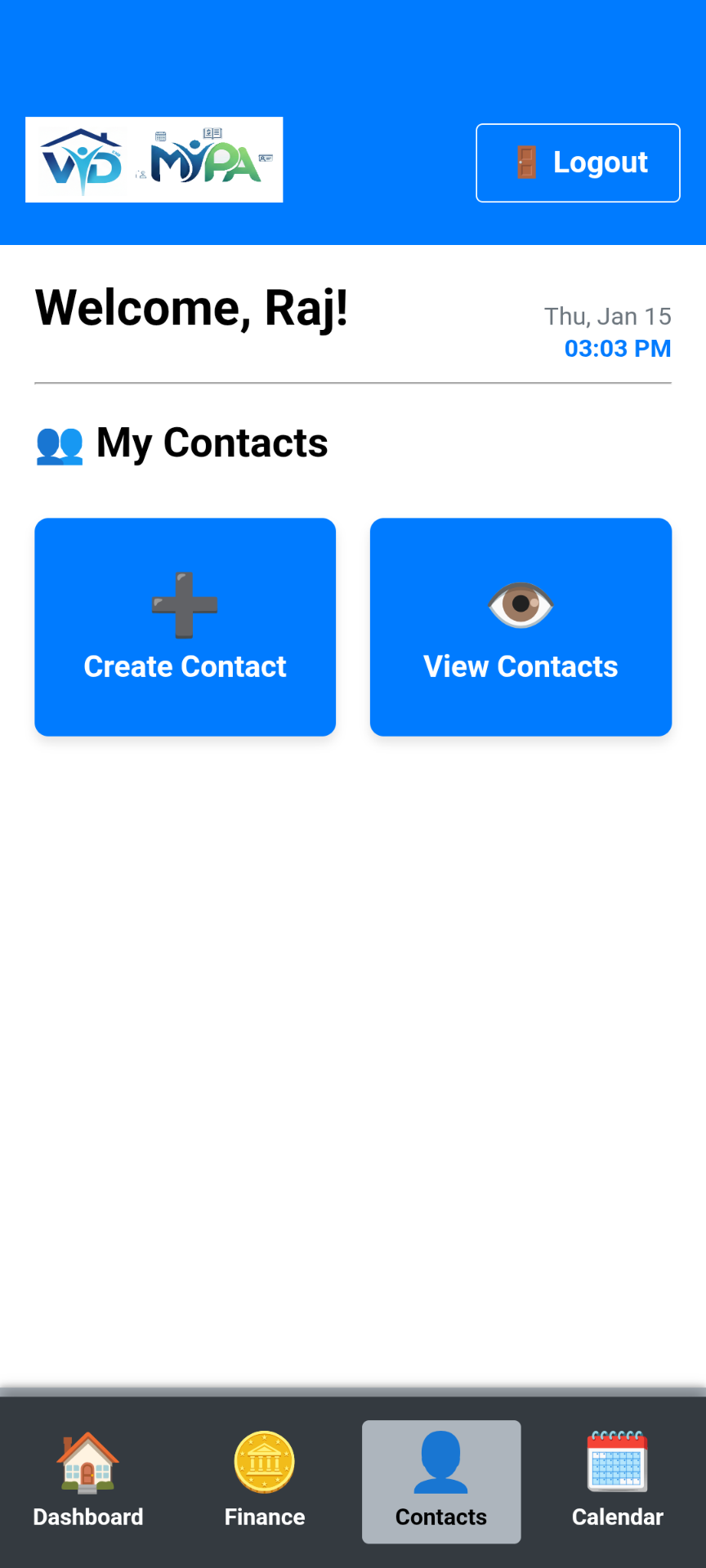
Store and manage your personal network instantly from one place.
- Address Book: Keep personal or business contacts separate from your main phone book.
- Quick Access: View and delete your connections.
- One-Tap Calling: Instantly redirects to your phone’s dialer so you stay focused.
📅 Calendar
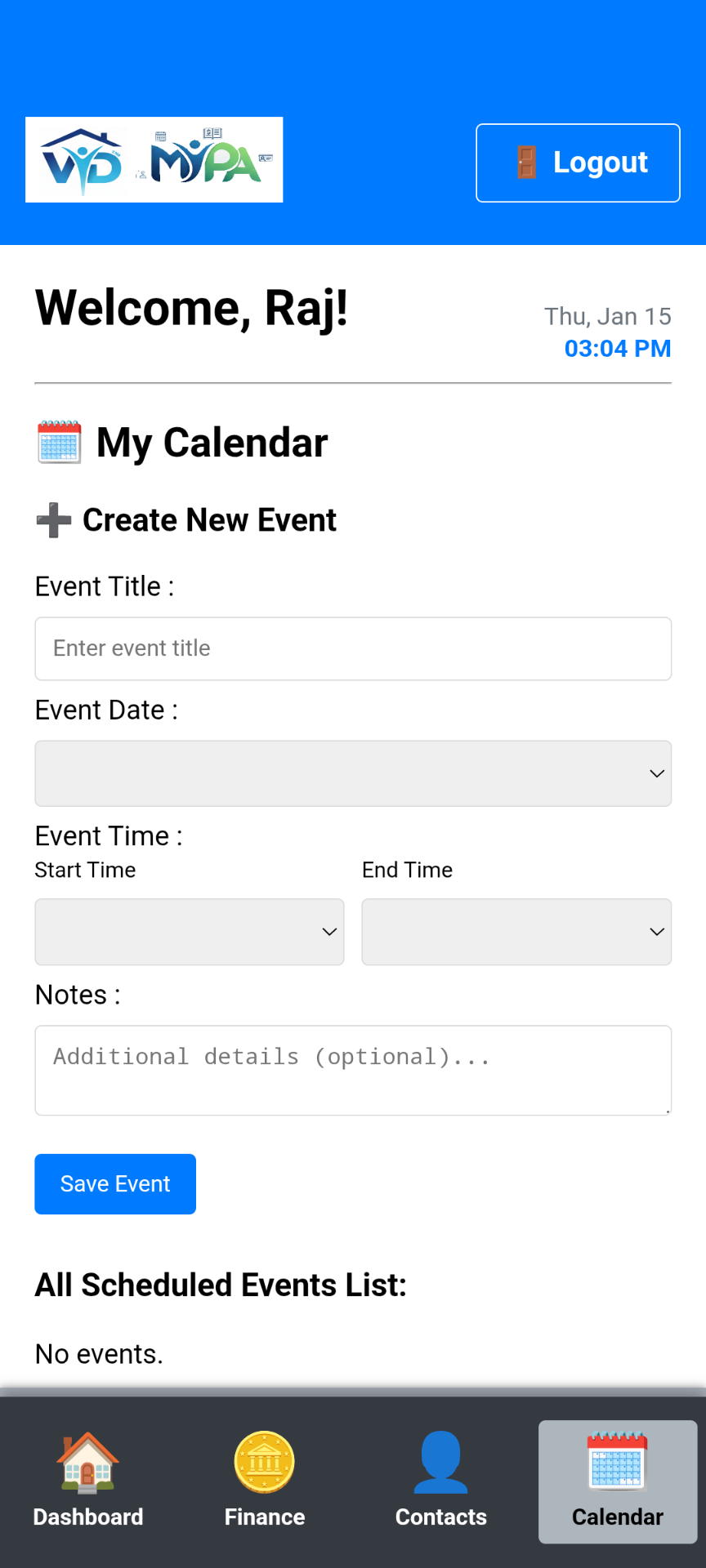
Plan your schedule, get timely notifications, and never miss a moment.
- Event Tracking: Easily schedule Meetings and Reminders in seconds.
- Smart Notifications: Receive a local alert 5 minutes before an event starts—even when offline.
- Dashboard Integration: All upcoming events appear instantly on your home screen.
- Daily View: A clear, chronological list of your daily plan.
Privacy Policy
Effective Date: January 31, 2026
1. Introduction
ENR Vidar Solutions operates the My PA (Personal Assistant) mobile application (the "Service"). This page informs you of our policies regarding the collection, use, and disclosure of data when you use our Service.
2. Offline Core and Data Sovereignty
The **core features** of My PA (Finance, Investments, Calendar, Contacts) operate **offline**.
- Local Storage Only: All sensitive user-input data (financial records, investment details, contact info, and calendar events) is stored **locally on your device** via SQLite/Local Storage. ENR Vidar Solutions has **NO ACCESS** to this user-input data.
- **No Cloud Sync:** We do not transmit your personal data to any external servers for storage or processing.
- **Data Transmission:** The app connects to the internet **only** to **retrieve advertisements** and to **transmit the Advertising ID** necessary for ad targeting (see Section 3).
3. Advertising ID and Third-Party Advertising
To support the Service, My PA utilizes third-party advertising partners (Google AdMob). The use of these services requires the collection and transmission of a single, non-personal identifier:
- Identifier Collected: **Android Advertising ID (AAID)**.
- Purpose: The AAID is collected and shared with our advertising partners **solely for the purpose of serving personalized advertisements and measuring the performance of ad campaigns.**
- User Control: Users can reset or opt-out of personalized advertising through their device's settings (usually found under Settings > Google > Ads).
4. Information Collection and Use
While using our Service, you may input the following types of information:
- Personal Finance: Income, expenses, borrowings, and lending records.
- Investment Data: Details of savings, gold, or other asset tracking.
- Contact Information: Names and phone numbers regarding your personal connections.
- Calendar Data: Event titles, dates, times, and descriptions.
This data is used solely to provide the functionality of the Personal Assistant features within the app on your device.
5. App Permissions
The app may request access to specific device capabilities to function properly:
- Phone/Dialer: The app allows you to initiate calls to your saved contacts. The app passes the phone number to your device's default dialer only when you click the "Call" button. We do not record calls or store call logs.
- Notifications: Used to schedule local alerts for your calendar events.
6. Data Retention and Deletion
Retention: Data is retained on your device for as long as you keep the application installed and do not clear your app data/cache.
Deletion: You have full control over your data. You can delete individual entries within the app. Uninstalling the application or clearing the app's storage/cache via your device settings will **permanently delete all stored data**.
7. Security
We prioritize the security of your local data:
- App Lock: My PA includes a built-in **PIN Lock** feature to prevent unauthorized access to the app on your device.
- Local Storage: Since your data is stored locally, its security also relies on your device's general security settings. We recommend protecting your device with a password, PIN, or biometric lock.
8. Children’s Privacy
Our Service does not address anyone under the age of 13. We do not knowingly collect personally identifiable information from children. Since we do not collect user-input data remotely, we do not possess sensitive data from any users, regardless of age.
9. Changes to This Privacy Policy
We may update our Privacy Policy from time to time. Thus, you are advised to review this page periodically for any changes. We will notify you of any changes by posting the new Privacy Policy on this page.
10. Contact Us
If you have any questions about this Privacy Policy, please contact us:
By email: contact@enrvidar.com